📶

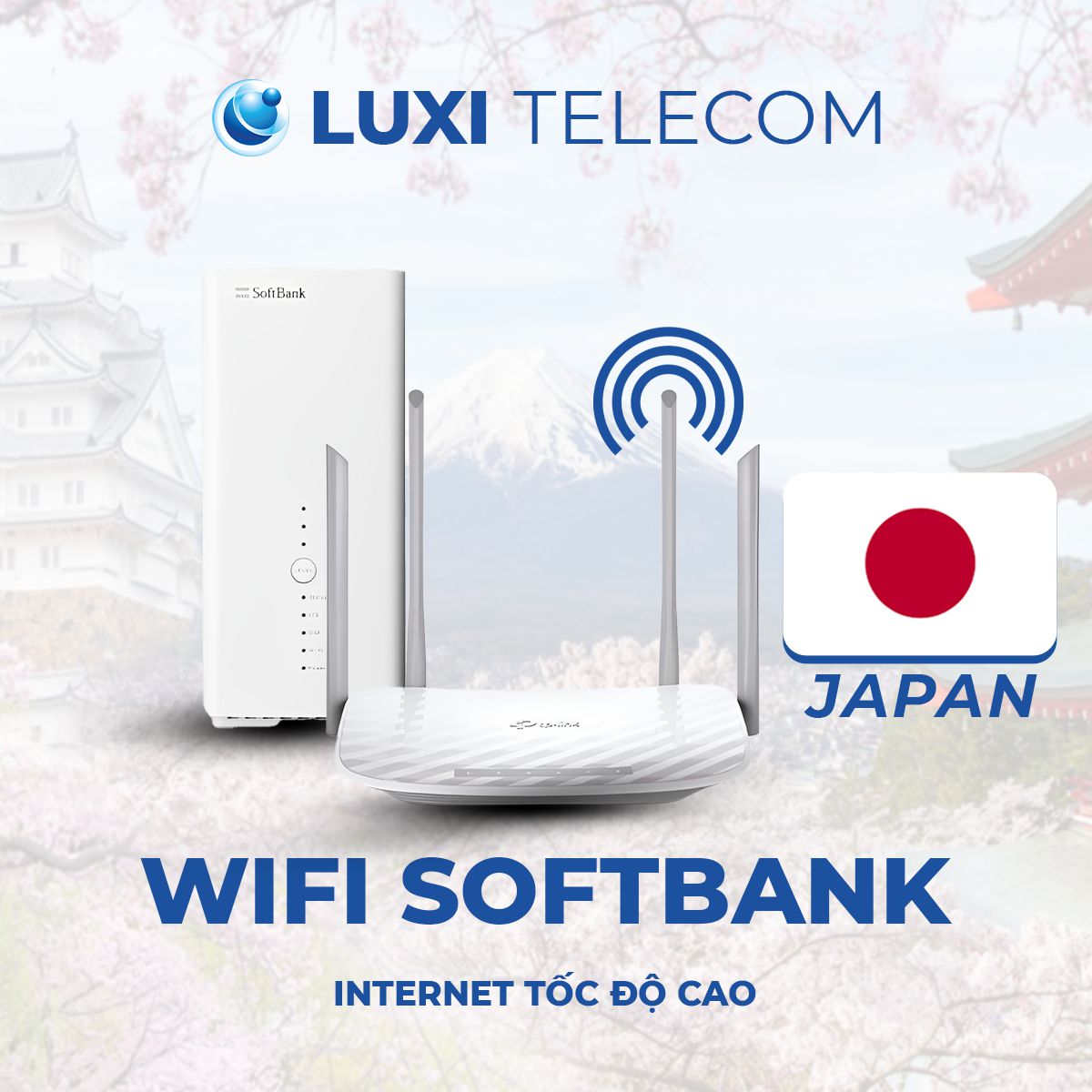
1. SoftBank Network

Strong coverage and high speed, widely used for households.

🌐

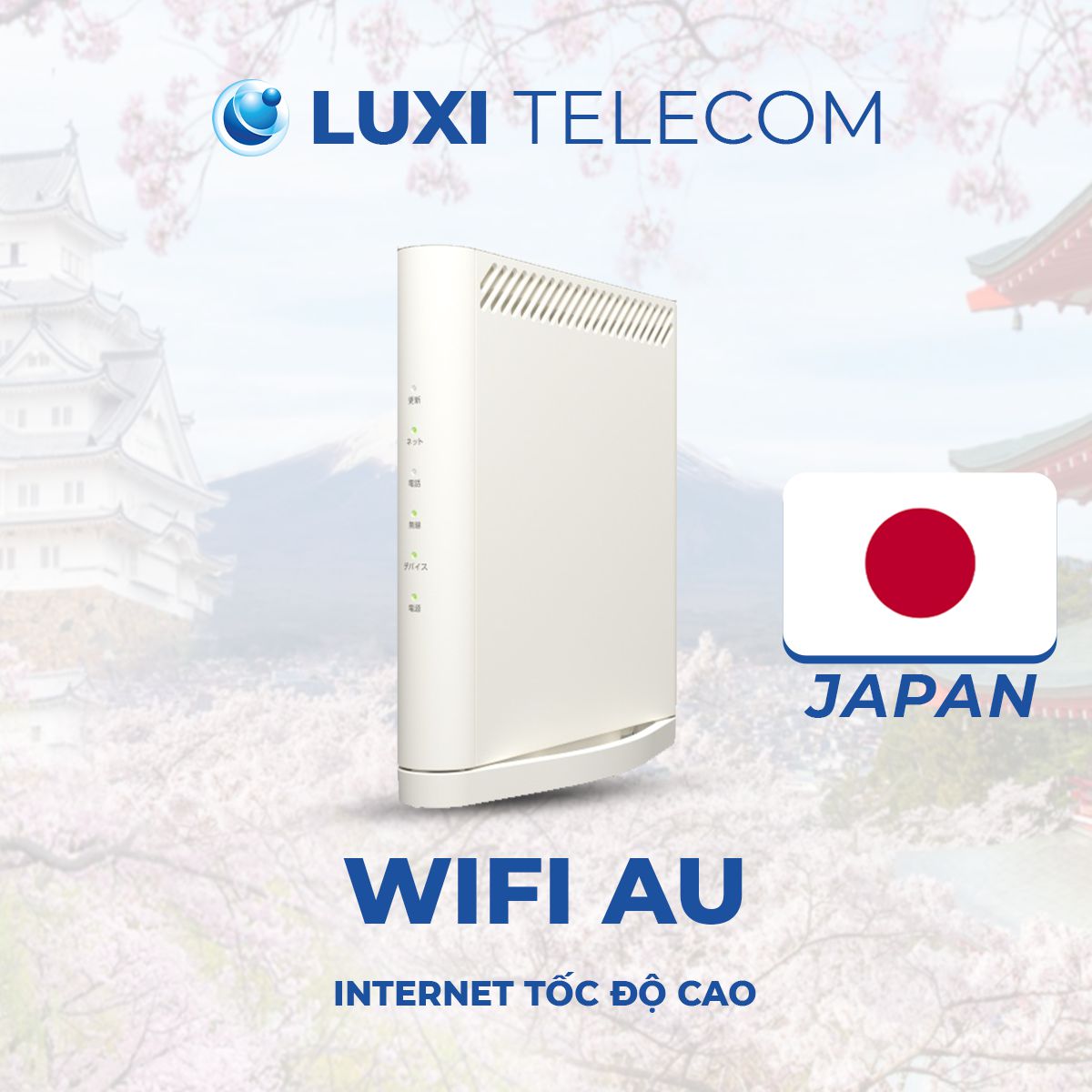
2. KDDI (AU) Network

High stability — ideal for apartments and offices.

📡

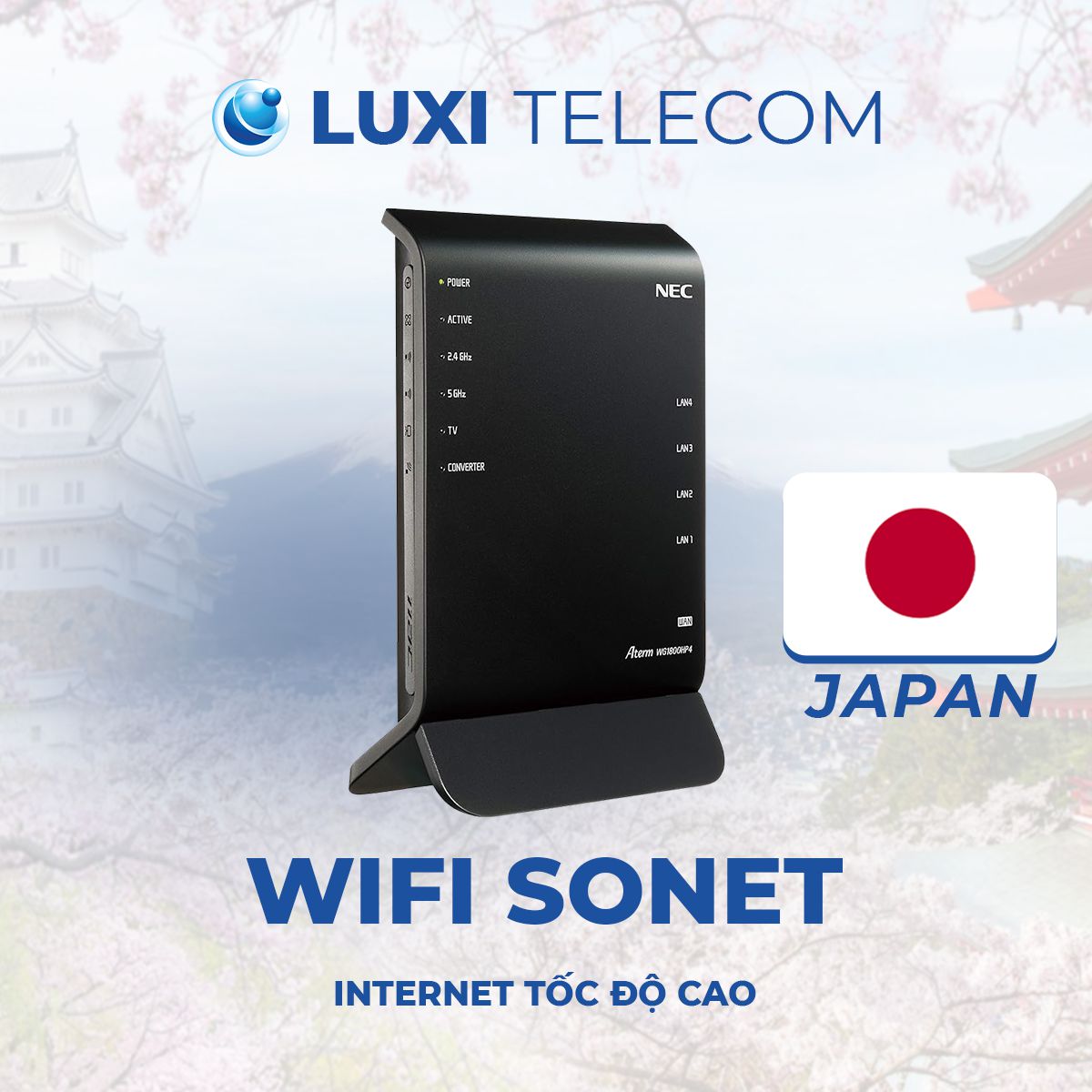
3. So-net Network

Affordable pricing — suitable for medium to high usage needs.

⚙️

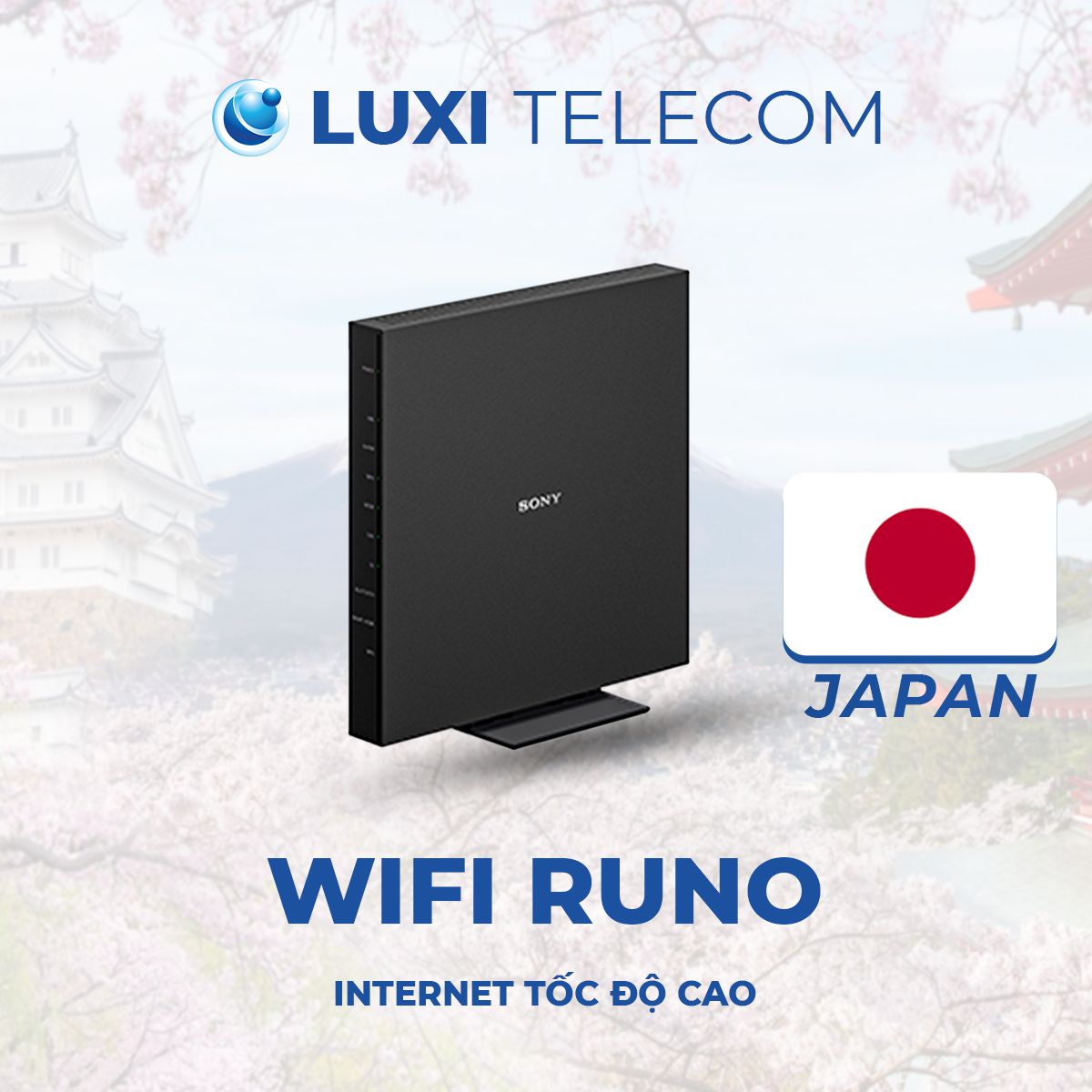
4. NURO Network

Stable connection — ideal for large homes and multiple devices.

1. SOFTBANK WIFI

★★★★★
|
198 reviews
|
3,200+ users
wifi cố định softbank
SoftBank WiFi Monthly Fee
Mansion
3,800¥/month

Family
5,200¥/month

Learn more

2. SONET WIFI

★★★★★
|
198 reviews
|
3,200+ users
Wifi Nhật Bản - Luxi Telecom
So-net GB WiFi Monthly Fee
Mansion
4,450¥/month

Family
5,450¥/month

Learn more

3. (AU) WIFI

wifi cố định AU
KDDI (AU) WiFi Monthly Fee
Mansion
3,800¥/month

Family
5,610¥/month

Learn more

1. NURO WIFI

wifi cố định runo
NURO WiFi Monthly Fee
Mansion
3,500¥/month

Family
4,727¥/month

Learn more

GIFTS & PROMOTIONS

🎁

Free WiFi 6 Modem

High-speed performance, strong signal, and wide home coverage. Completely free with installation signup.

💸

Free Installation

No survey or initial installation fees. Save from ¥3,300 to ¥8,800 depending on the carrier.

🛠

Activation & Installation Support

Technicians assist with setup, speed testing, and ensure WiFi is ready to use immediately after installation.

🔧

Warranty & 24/7 Support

Free modem replacement for defects, with fast Vietnamese-speaking technical support throughout your service period.

Registration Requirements

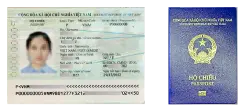
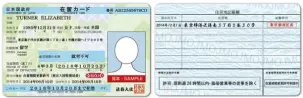
1. Residence Card photo

Wifi Nhật Bản - Luxi Telecom

2. Photo of passport (information page)

Wifi Nhật Bản - Luxi Telecom
Registration Requirements

Consultation Process

  • 🔴 Step 1: Customers contact LuxiTelecom via our fanpage or support channels.
  • 🔴 Step 2: LuxiTelecom staff create a private group for consultation.
  • 🔴 Step 3: Our team checks and confirms the most suitable plans based on the customer’s installation address.
  • 🔴 Step 4: In-depth consultation on plans, installation scenarios, installation requirements, and current promotions.
  • 🔴 Step 5: If the customer agrees to proceed, the following documents are required:
    • • Clear photos of both sides of the Residence Card (Zairyu Card)
    • • Photo of the passport information page (page with photo)
  • 🔴 Step 6: The carrier confirms whether a site survey/installation visit is required and informs the schedule for receiving temporary WiFi (if applicable).
  • 🔴 Step 7: The carrier ships the equipment or sends a technician to the customer’s home for installation.
  • 🔴 Step 8: LuxiTelecom staff assist with WiFi activation, signal testing, and guide the return of temporary WiFi (if applicable).

PAYMENT METHODS

Bank card payment

🏦

Bank Transfer Payment

Supports linking a Japanese bank account (口座振替) for automatic monthly billing.

💳

Credit / Debit Card

Accepts Visa, Mastercard, JCB, and American Express for SoftBank WiFi payments.

📱

PayPay Payment

You can make payments or top up your balance using PayPay.

🏪

Convenience Store Payment

Bill payment is supported at 7-Eleven, FamilyMart, Lawson, and other convenience stores.

INSTALLATION METHODS

self-assembly

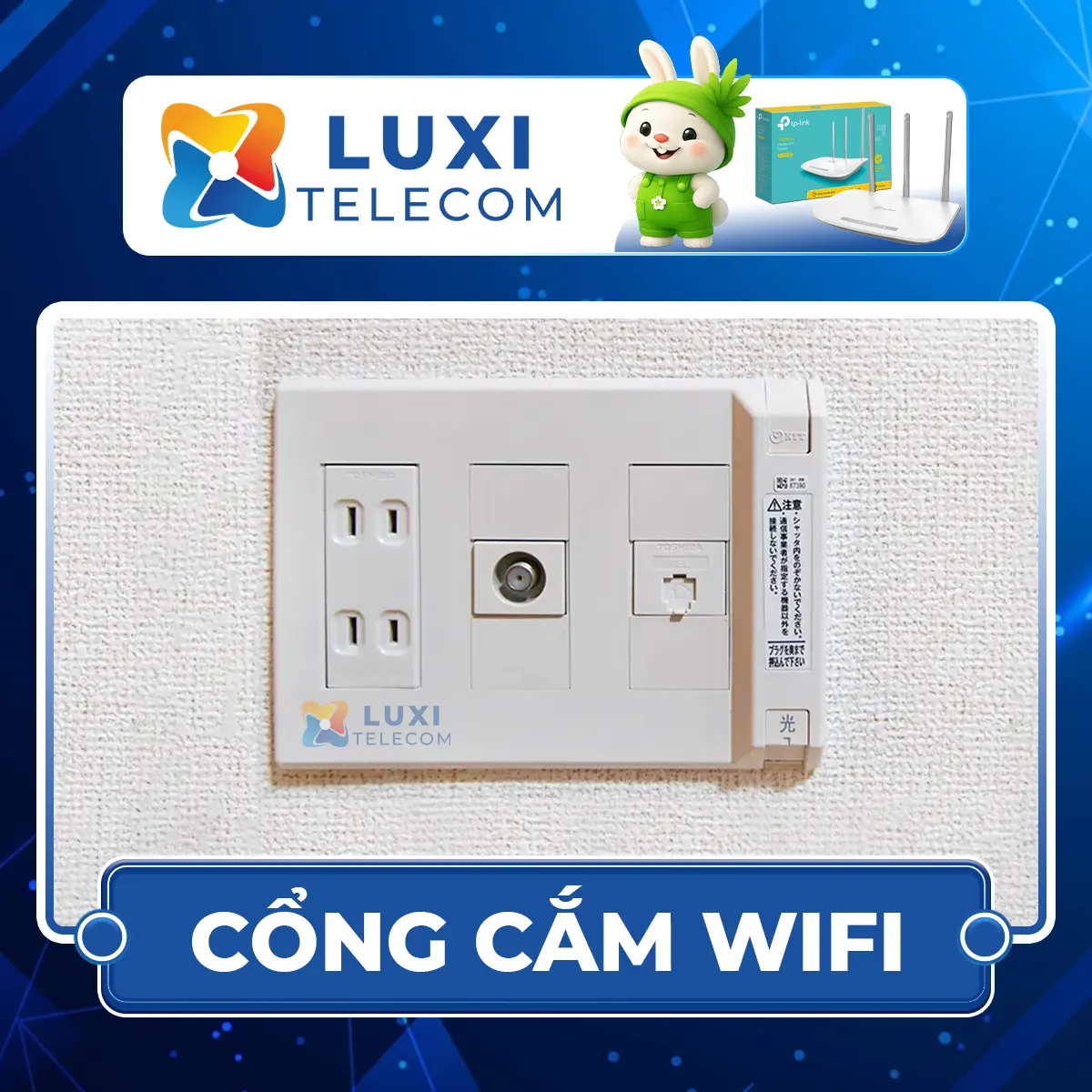
Self-installation means you receive the modem, plug it in, and start using it right away—no technician visit required.

The setup is very simple and takes only 5–10 minutes to get WiFi up and running.

  • Mansion (マンション) – apartments
  • Family house (戸建て) – detached houses with existing wiring
  • Customers who want fast, affordable installation without waiting for a technician appointment
Wifi Nhật Bản - Luxi Telecom

Self-Installation Requirements

A WiFi outlet is already available.

  • No appointment required — no waiting for technicians

  • Very easy setup — just plug it into a power outlet and start using

  • Get online in 5–10 minutes

  • Lowest cost (¥0 installation fee during promotions)

  • Modem delivered directly to your home

  • LuxiTelecom provides remote setup support

The technician came to install it.

A SoftBank technician will visit your home to check the wiring, neatly install cables, set up the modem, and ensure the WiFi is working stably before handover.

This option is suitable for homes without existing wiring or for customers who prefer a professional installation.

  • Family houses (戸建て) that require new wiring.
  • Some older apartments (マンション) without an existing internet port.
  • Customers who want technicians to check signal quality and optimize WiFi coverage.
  • Customers who are not tech-savvy and prefer hands-on support.
  • Technicians visit your home for fast and professional installation.
  • Neat cable routing, drilling, and secure mounting if needed.
  • Speed testing, signal checking, and optimized modem configuration.
  • On-site usage guidance and equipment testing.
  • Avoid issues caused by incorrect self-installation.
Get more advice

FREQUENTLY ASKED QUESTIONS ABOUT JAPAN WIFI

To register for home WiFi installation in Japan, you only need:

  • Residence Card (在留カード – Zairyu Card)

  • Japanese phone number

  • Accurate home address
    Some carriers may also require bank account details for monthly payment.

Typically 3–10 days, depending on the carrier:

  • SoftBank: optimized process, often completed within 3–5 days

  • AU / KDDI: around 5–7 days

  • So-net / NURO: 7–10 days due to infrastructure checks

👉 Yes. Most home WiFi (fiber / hikari) services in Japan require a contract, usually 2–3 years.

What you should know:

  • 📝 Contract length: 24–36 months
  • 💸 Early cancellation fee: Yes (from a few thousand to tens of thousands of yen, depending on when you cancel)
  • 🏠 Tied to your address: If you move, you usually need to transfer the contract or cancel and re-sign
  • 🧾 Required documents: Residence card, bank account or credit card

Popular providers in Japan:

  • SoftBank Hikari
  • AU KDDI Hikari
  • Nuro
  • So-net

📌 If you don’t want a long-term contract:
Choose Pocket WiFi or SIM/eSIM data — ready to use, no long-term commitment, ideal for newcomers or short-term stays.

If you want, I can help you:

  • Compare Home WiFi vs Pocket WiFi vs SIM/eSIM
  • Choose the best option based on your stay length, budget, and location

Most rental rooms/apartments can have WiFi installed.
You just need:

  • The landlord’s permission (if wall drilling is required)
  • An available NTT line or suitable network infrastructure

If installation is not possible, you can use portable WiFi such as SoftBank or AU.

You can transfer your service to a new address (address change procedure) with the carrier.
The relocation fee may be free or range from 3,000–10,000 yen, depending on the provider.
You should avoid canceling the contract on your own while it is still within the contract period.

Very fast. Popular providers include:

  • SoftBank Air / Hikari: 100–1,000 Mbps
  • AU Hikari: 200–1,000 Mbps
  • Nuro: up to 2 Gbps, the fastest in Japan
    Ideal for online study, livestreaming, gaming, and remote work.

It depends on your needs:

  • SoftBank: Good coverage in densely populated areas, stable speeds
  • AU/KDDI: Well-suited for apartments and condominiums
  • So-net: More affordable pricing
  • Nuro: The fastest speeds available

The initial fee can range from 0 to 30,000 yen, depending on promotional offers.
At certain times, many providers offer completely free installation.

Yes. A technician will visit your home to check the infrastructure and install the network cables.
The appointment time depends on the provider’s schedule.

Yes. LuxiTelecom provides:

  • Consultation to choose the most suitable network for your area
  • Registration handled on your behalf
  • Scheduling appointments with technicians
  • Progress tracking and follow-up support
  • 24/7 Vietnamese language support

INSTALLATION REGISTRATION